


The AI Notetaker that turns handshakes into relationships

Blinq captures your conversations, transcribes them, and creates an AI summary linked to who you met. So your follow-up picks up right where you left off, and every conversation adds to the last.

Start for free
Apple App Store logoGoogle Play store logoG2 logoCapterra logoTrustpilot logo
4.9/5
on 200k reviews

Loved by 4M professionals and users at 93% of the Fortune 500

MLB logoHubspot logoGoogle logoNike logoCanva logoDeloitte logoGong logoCartier logoAnthropic logoGoldman Sachs logoSalesforce logoTesla logoStripe logoPhilips logoStanford University logoPepsiCo logo

The biggest opportunities don't happen at your desk

They happen over coffee, at site visits, in the hallway at a conference, and they're usually half-forgotten by the time you're back at your laptop.

Record the conversation with Blinq's AI Notetaker and stay fully present, trusting every detail is captured. Or take a quick voice note the moment you say goodbye.

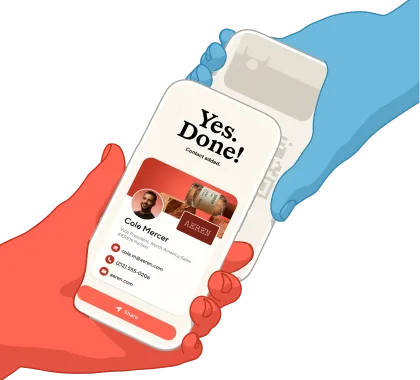
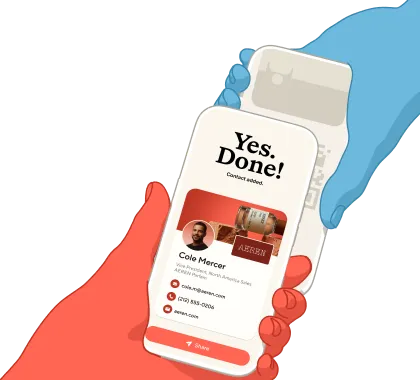
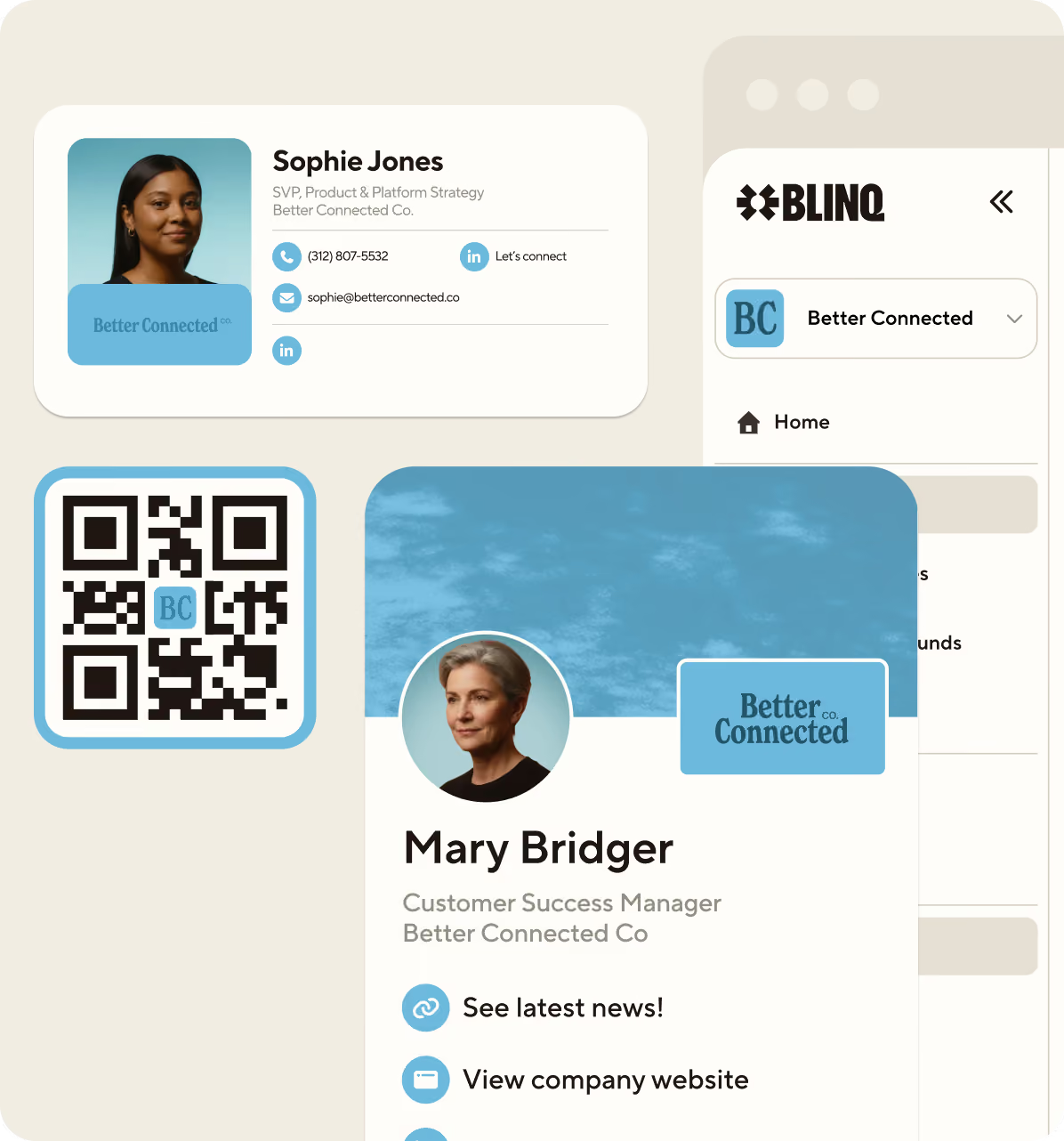
Swap cards as you talk and Blinq creates the contact and links your note automatically. Every conversation adds to a relationship history that grows over time.

Professionals having an informal conversation over drinks - the kind of relationship-building moment Blinq's AI Notetaker is designed to capture

How it works

Hand holding a smartphone scanning an event badge using Blinq's Smart Capture feature for instant lead capture.

Start in a tap

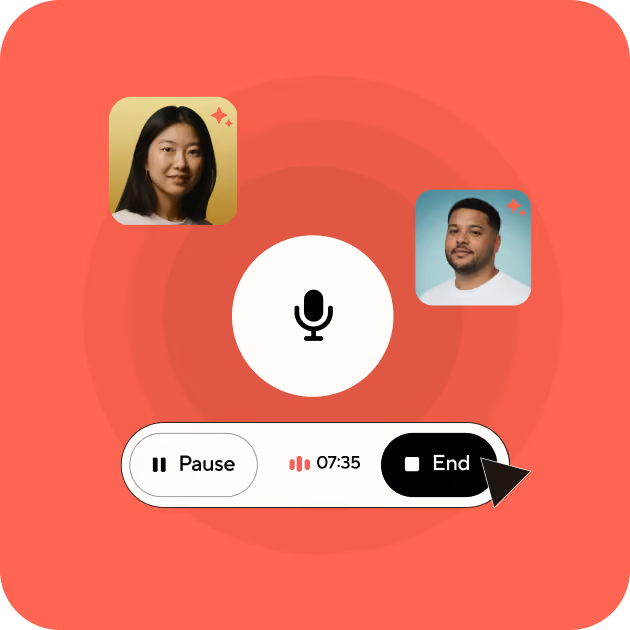
Record a conversation using the Blinq app on your phone or smartwatch. Or, capture a voice note afterward, while the details are fresh.
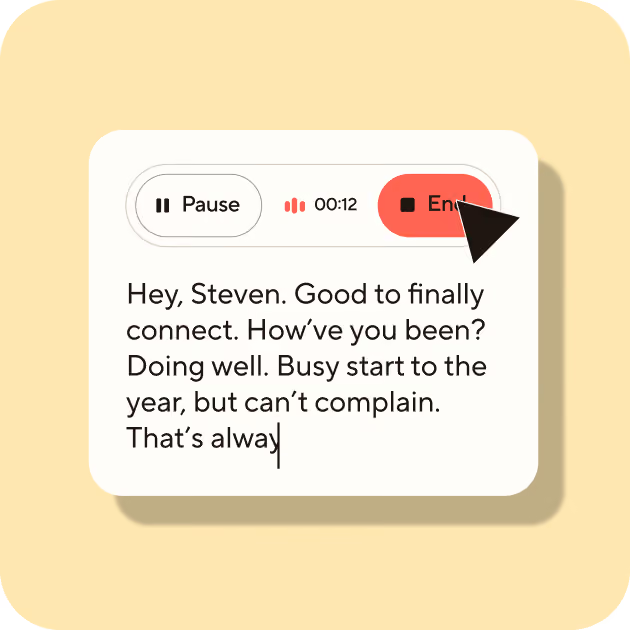
Blinq event lead capture app New Contact screen with AI-enriched fields automatically filling in email and LinkedIn URL.

Never miss a detail

Blinq transcribes the conversation and creates a summary using the latest AI models. So you stay present instead of scribbling notes.
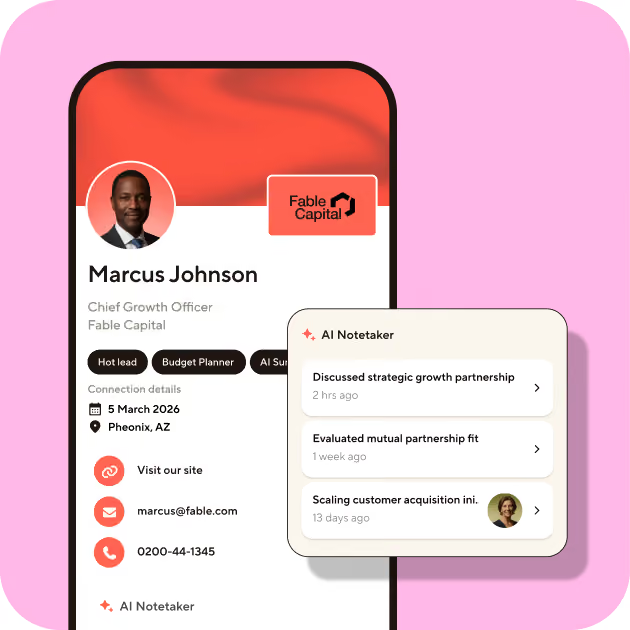
Blinq lead retrieval screen showing AI-generated meeting notes and lead qualification tags: Sales, Founder, and Warm lead.

Contacts with context

Swap Blinq cards while recording and your new contact links to the note automatically. Every note builds a relationship history.
Blinq syncing a captured event lead directly to CRM platforms including HubSpot, Salesforce, Zoho, and Pipedrive.

Share with a link

Easily share your AI notes with who you met, or your team. They can view them in any web browser: no app needed.

Capture notes,

however you meet

Using the Blinq app

Record from your phone, even if you’re offline or have spotty WiFi. On-device mics with noise isolation keep every voice clear.

Hands-free, with smartwatch

Take notes from your wrist with Apple Watch or Wear OS. Start, pause, and stop a recording without reaching for your phone, so you stay in the conversation.

Pair with Bluetooth mic

AI Notetaker works with any Bluetooth mic, for improved recording in noisy environments.
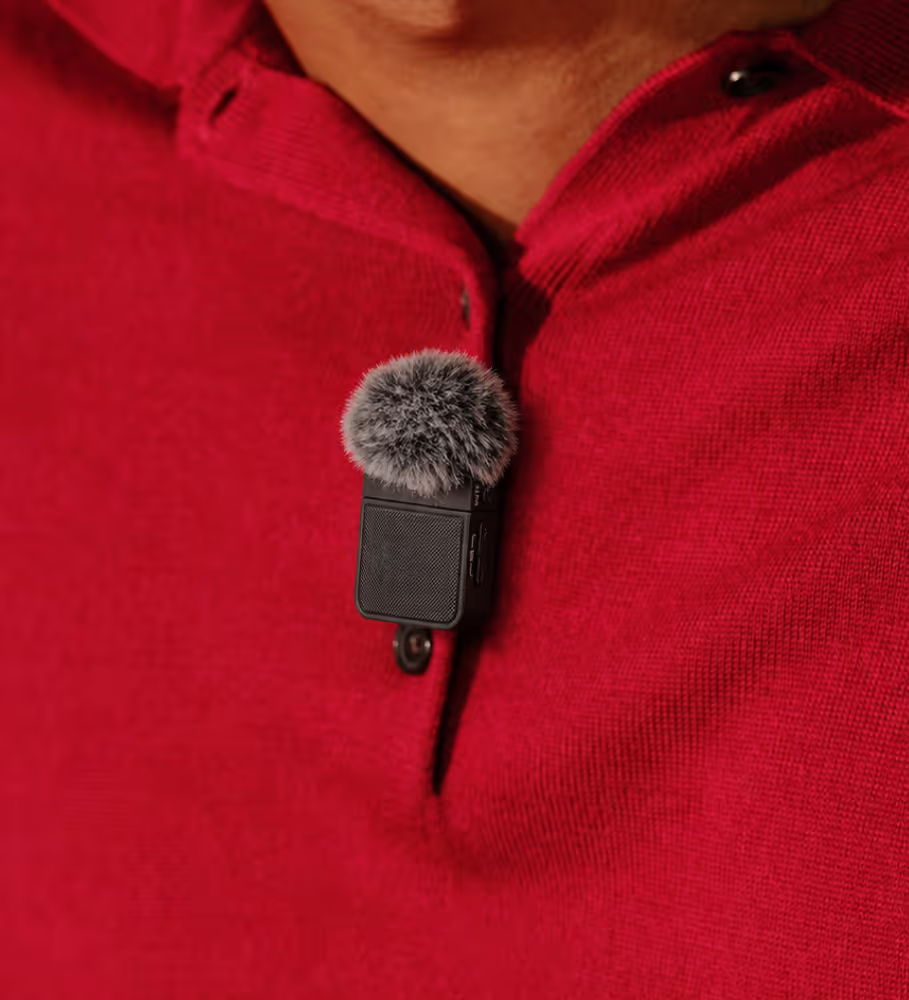
Bluetooth lapel microphone clipped to clothing for clearer AI Notetaker recordings in noisy environments

Phone calls

Call anyone using AI Notetaker and see a summary the moment you hang up. Every decision and next step captured, saved to their contact and ready for your follow-up.

Built into Blinq's AI Notetaker
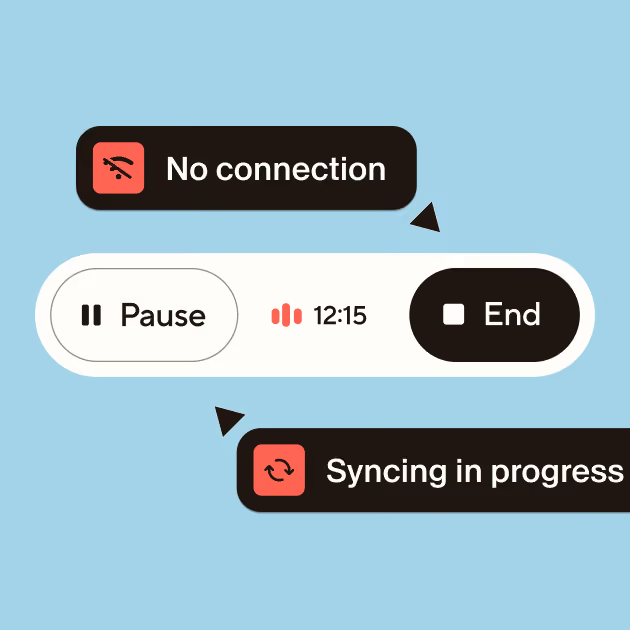
Blinq AI Notetaker showing offline recording mode with 'No connection' indicator and 'Syncing in progress' status

Offline Capture

Capture notes anywhere, even without Wi-Fi or cell service.
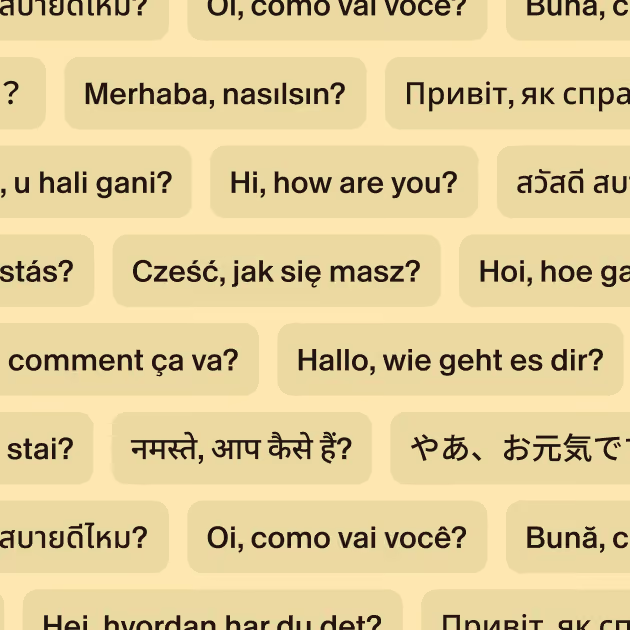
Greeting phrases in over 99 languages illustrating Blinq AI Notetaker's multilingual transcription support

99+ Languages

Auto-detects and transcribes in 99+ languages.
Blinq AI Notetaker integrations including Pipedrive, HubSpot, Salesforce, Zoho, and Microsoft for automatic CRM sync

Integrations

Fits your workflow with native Salesforce and HubSpot integrations, Zapier, and more.
OpenAI, Google Gemini, and Anthropic AI platform logos representing Blinq's MCP integrations

MCP

Use Blinq inside Claude, ChatGPT, and more to search your notes and draft follow-ups with full conversation context.

Built for people who
make their own luck

For sales teams

For founders

For networkers

For real estate agents

For small business owners

For event marketers

For sales teams

For founders

For networkers

For real estate agents

For small business owners

For event marketers

Pairs with Event Lead Capture

Every conversation, on the right contact in your CRM

At a busy event, reps can have dozens of conversations. Notes scribbled on the back of a business card or typed in a spreadsheet can take weeks to enter your CRM (if they make it at all).

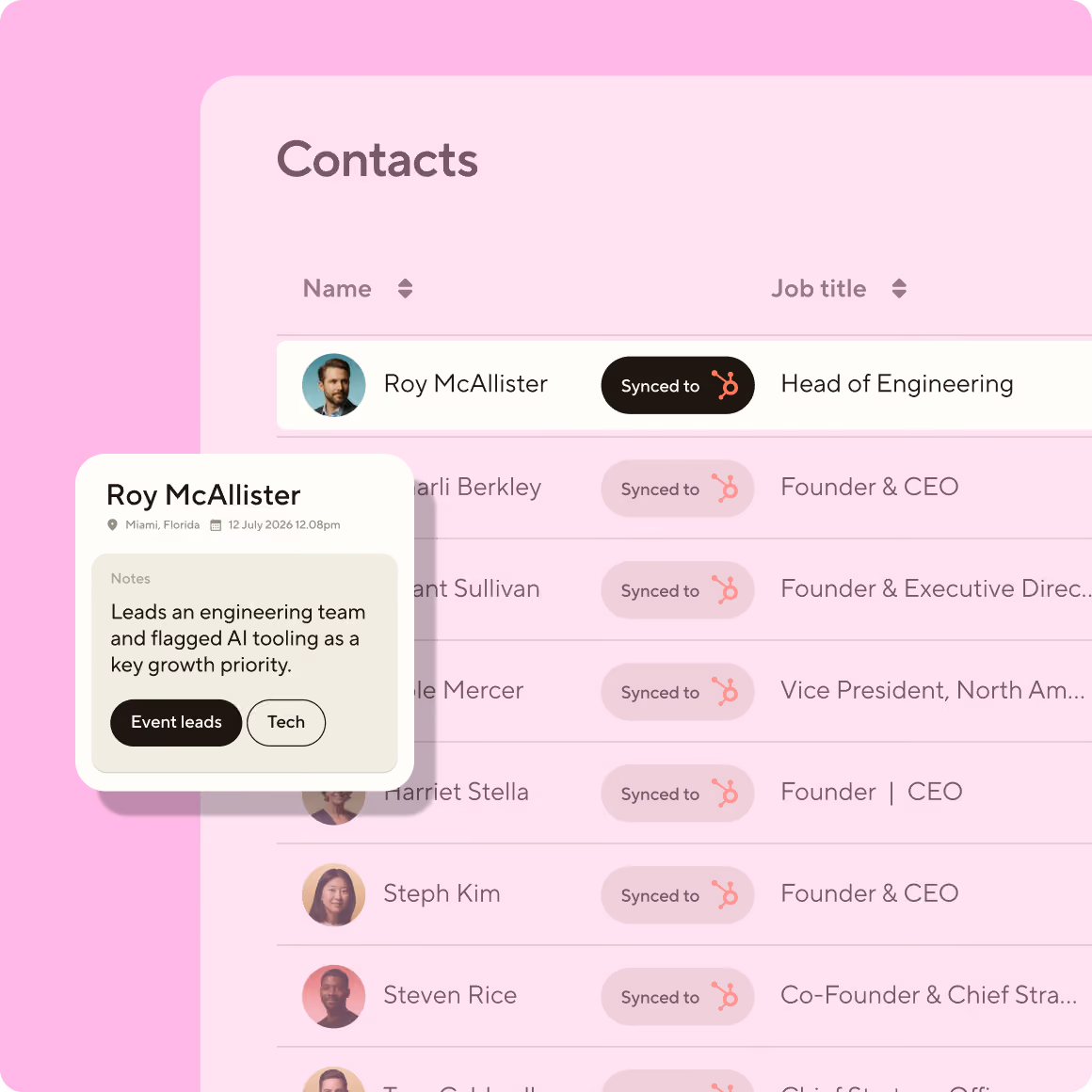
Using Blinq’s AI Notetaker, your team can record live conversations with leads, or take voice notes after a conversation ends. All the important details, key points and next steps are captured: instantly syncing to the right contact in your CRM, ready for follow-up. So reps stay focused on selling, not admin.
AI Notetaker currently integrates with
Blinq AI Notetaker syncing event conversation notes to a CRM contacts list with AI-generated qualification tags

Trust built into every note

AI notetaking requires trust. Here's how Blinq earns it.

We never train on your conversations

Your audio, transcripts, and summaries are never used to train AI models: not by us, and not by any AI provider we work with. We will never sell your data.

You're in control of your notes

Your recordings and transcripts belong to you, not us. You can delete individual notes, or request deletion of all your data at any time.

Built to enterprise standards

Your notes are encrypted at rest and in transit, and kept secure on Google Cloud. Blinq is SOC 2 Type II, and GDPR certified. Teams can set up additional controls including SSO.

Frequently asked questions

Is AI Notetaker a bot that joins my video meetings?

No, AI Notetaker doesn't use meeting bots. It captures conversations through your phone's mic, which works for any chat. For a video call, play the audio out loud on a nearby device and start a note as you would for any conversation.

Can I capture a note without an internet connection?

Yes. You can capture the audio offline, and the transcript and summary will be generated once you're back online.

Is there a limit on how long a note can be?

A single note can be up to 8 hours, with no limit on how many you can take.

Which devices does AI Notetaker work on?

You can use AI Notetaker on iPhone, Android, Apple Watch, Wear OS, and with a paired Bluetooth mic.

What languages does AI Notetaker support?

AI Notetaker supports 99+ languages, including English, Spanish, French, German, Italian, Portuguese and more, with auto-detection.

Can AI Notetaker tell who's speaking?

If a speaker is identified by name during the meeting, AI Notetaker will use this name throughout the transcript and AI summary. Otherwise, speakers are labeled “Speaker A”, “Speaker B”, etc.

Do I have to tell people they're being recorded?

Yes. You are responsible for getting consent from anyone you speak with while capturing a Notetaker Note. A clear, friendly heads-up sets the tone for everything that follows, and in many places, it's also the law. You can simply say something like, "I want to make sure I remember the details of this. Mind if I record our chat using Blinq AI Notetaker?”

For more information, see our guide: Asking for consent before you capture a note.

If I link a contact to a note, can the other person see it?

No. Linking a contact to a note doesn't share the note with them.

Your note stays private and only visible to you, unless you share a link to the note to the other person.

No one else can view your note just because you linked their contact sharing only happens if you send them a note link.

How is my data kept secure?

Your notes are encrypted in transit and at rest (TLS 1.2+ and AES-256) and stored on Google Cloud. Blinq is SOC 2 Type II certified and meets GDPR and Australian Privacy Act requirements. Teams can turn on single sign-on, set additional access controls, and enter into Data Processing Agreements (DPAs) on request.

Is AI Notetaker free, or do I need a paid plan?

See our Pricing page for the full breakdown. CRM sync, team admin, and workspace controls for IT come with Blinq Business.

Can I turn off AI Notetaker for my team or business?

Yes, admins can enable or disable Blinq's AI Notetaker across the workspace from their admin dashboard.

Your memory for every person you meet

Capture your conversations and link them to who you met. Blinq's AI Notetaker is the best way to turn conversations into relationships.