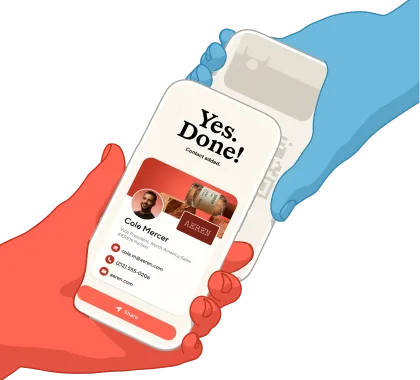
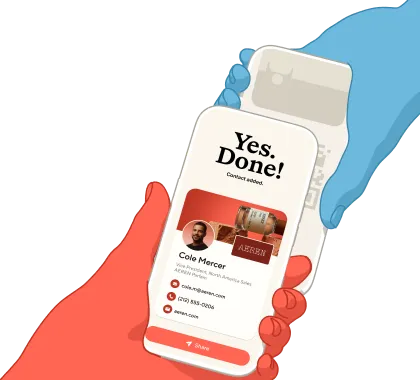
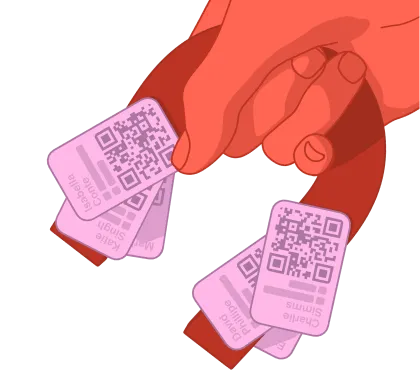
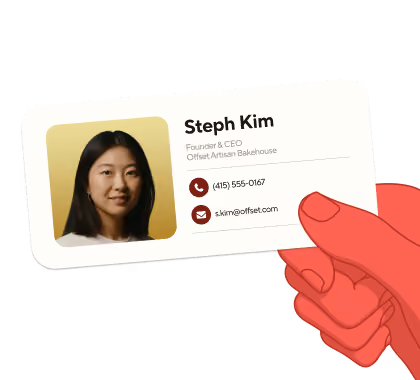
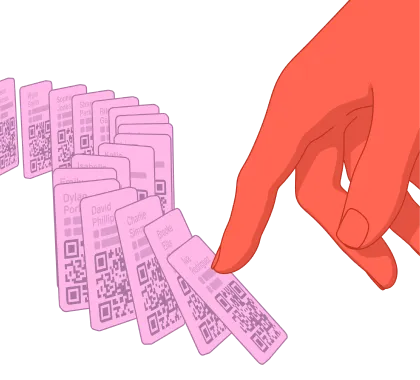
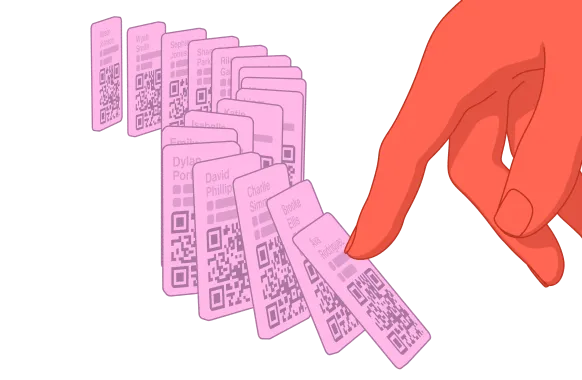
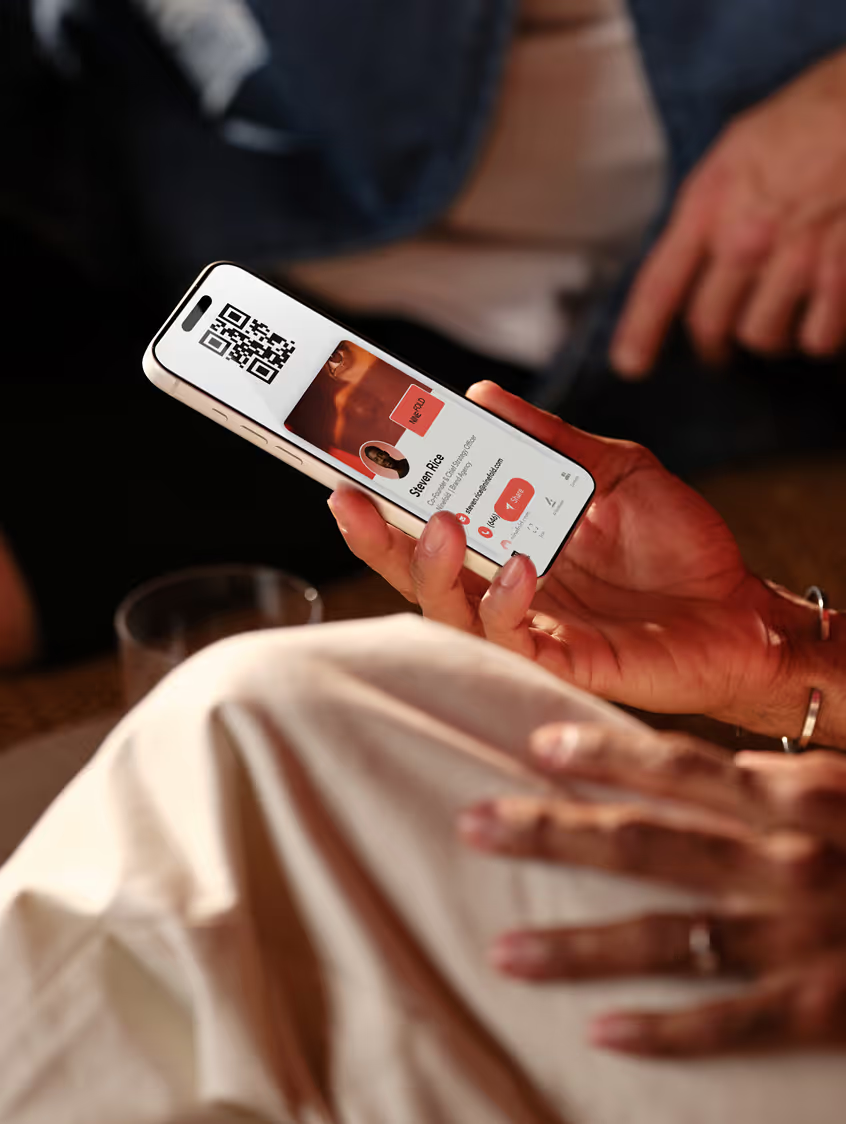
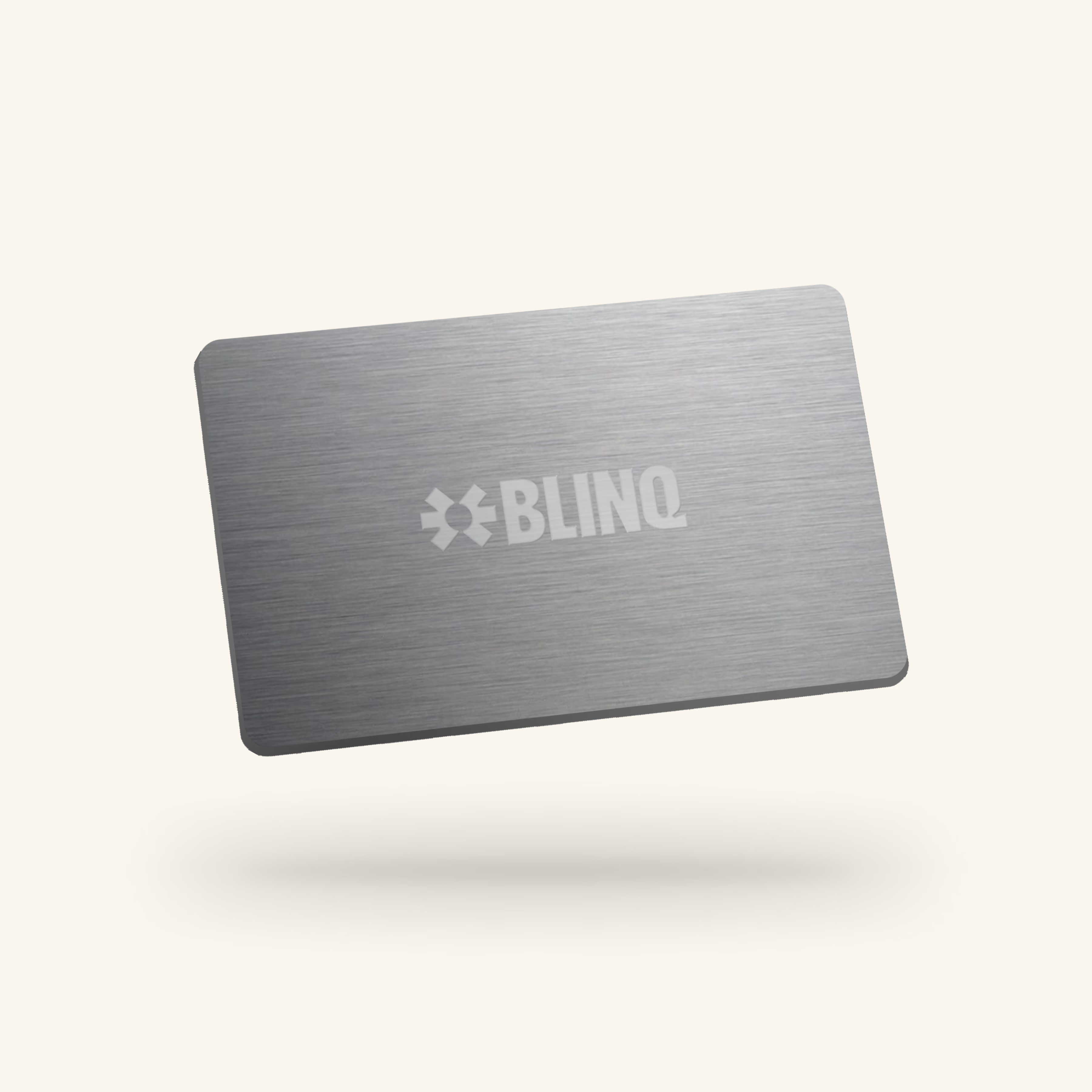
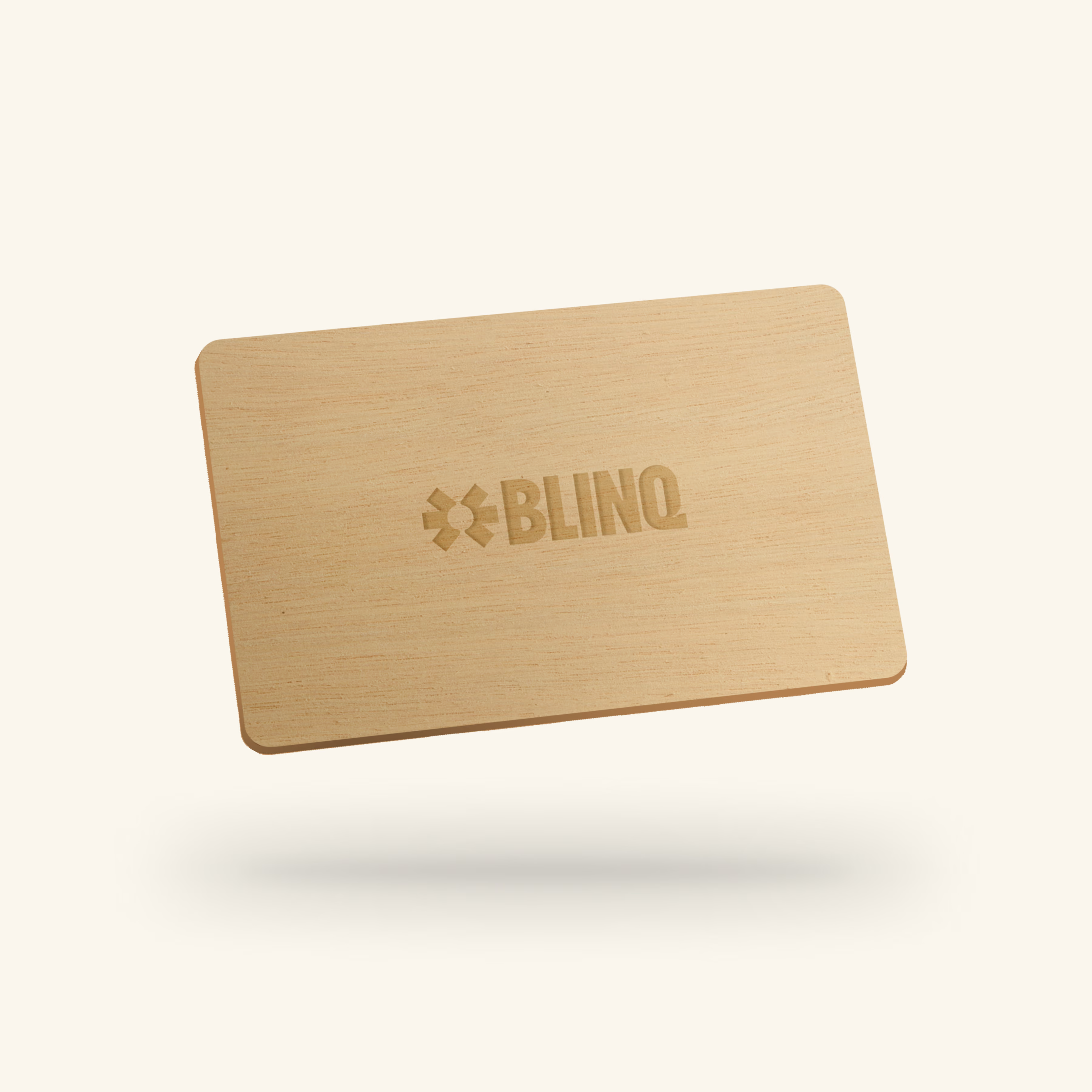
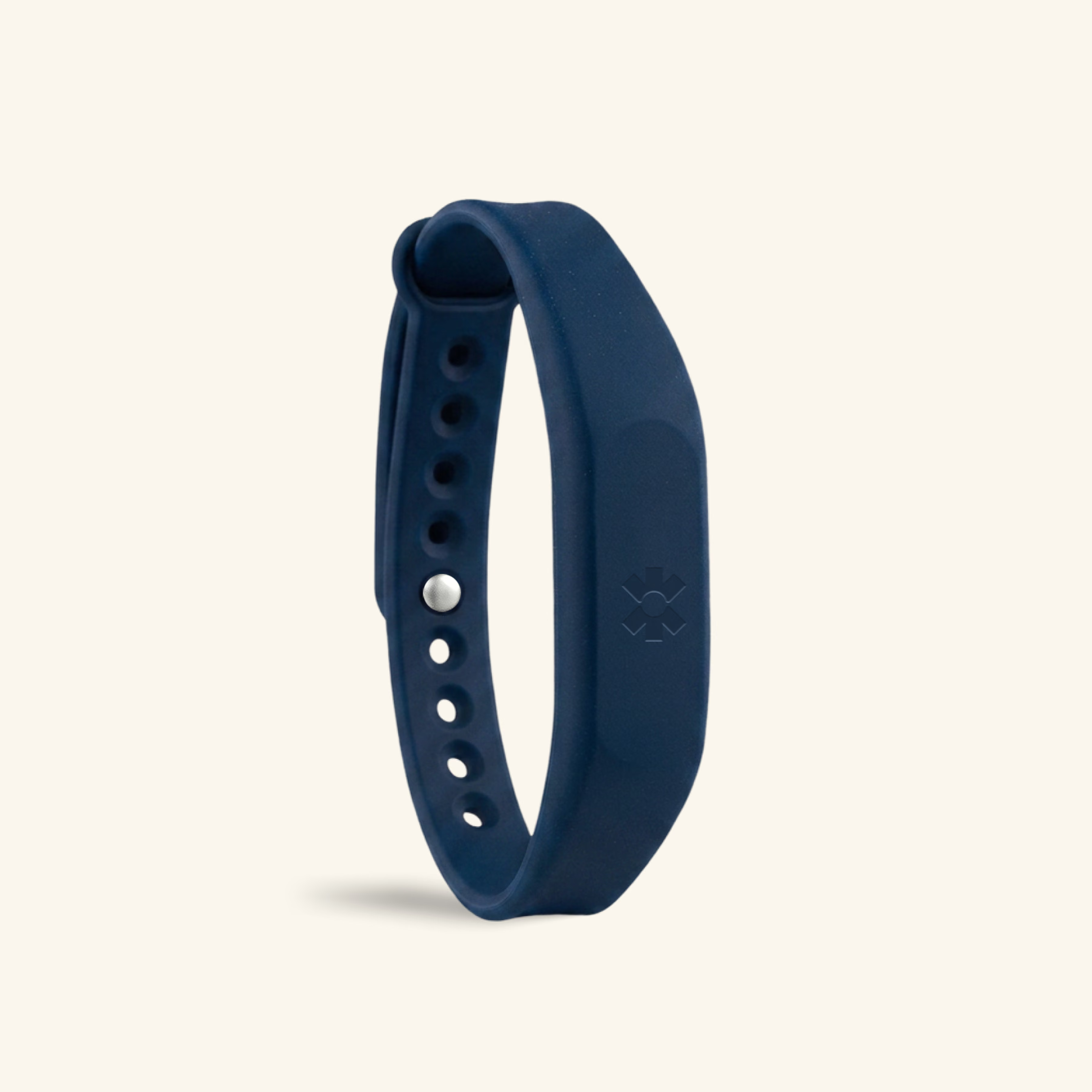
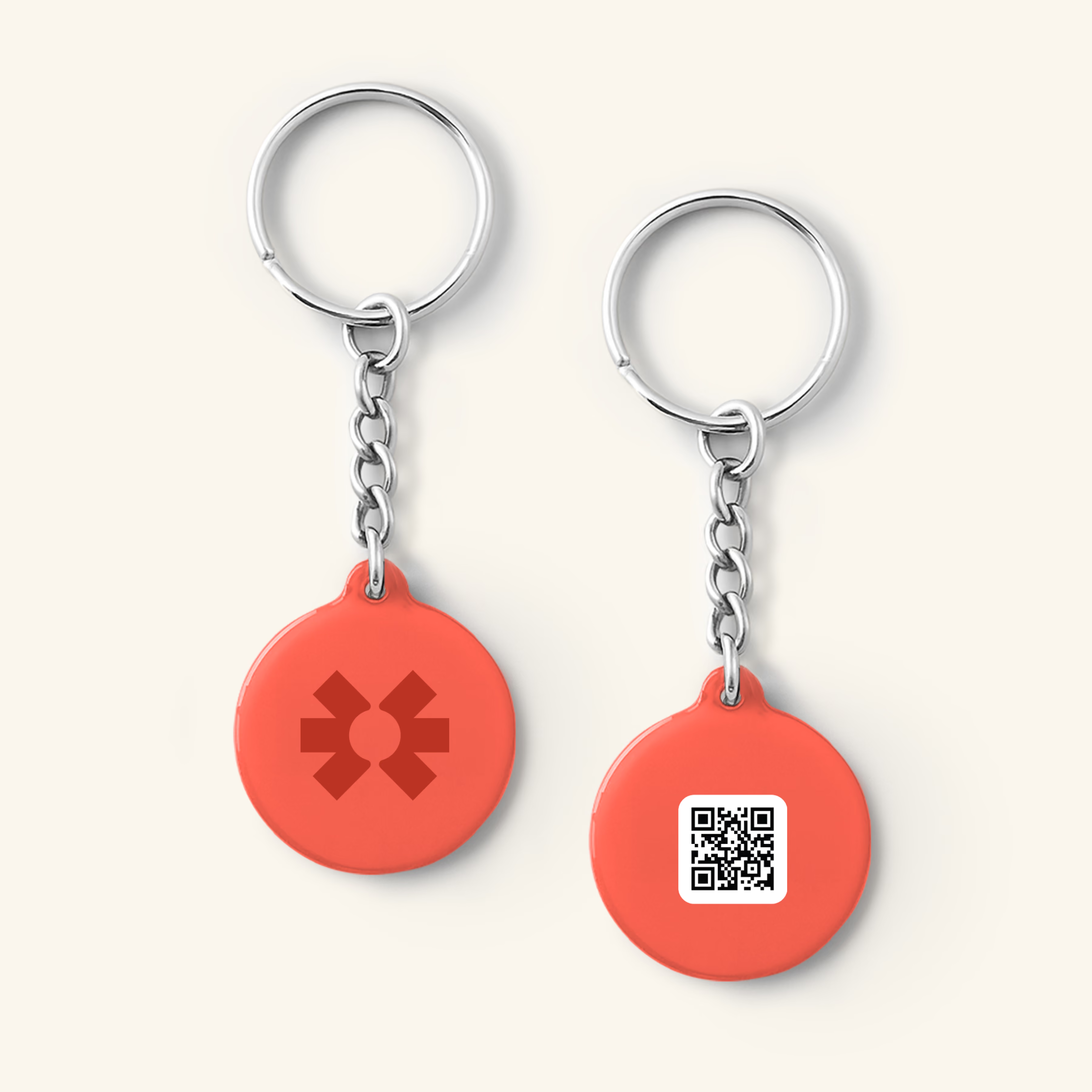
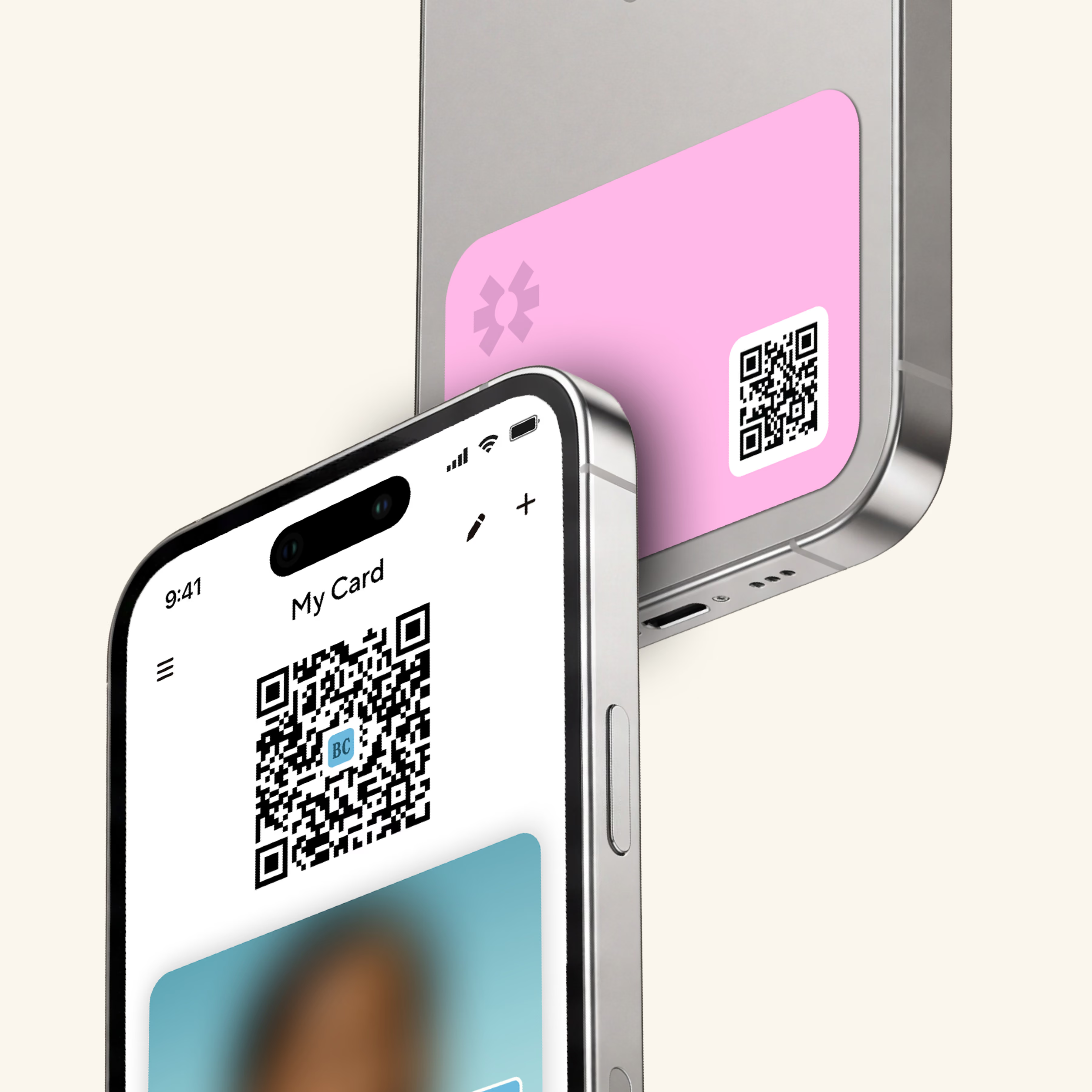
Share your Blinq accessories and get their details back instantly. Every contact is AI-enriched into a complete, contactable profile and stored in one place in the app.
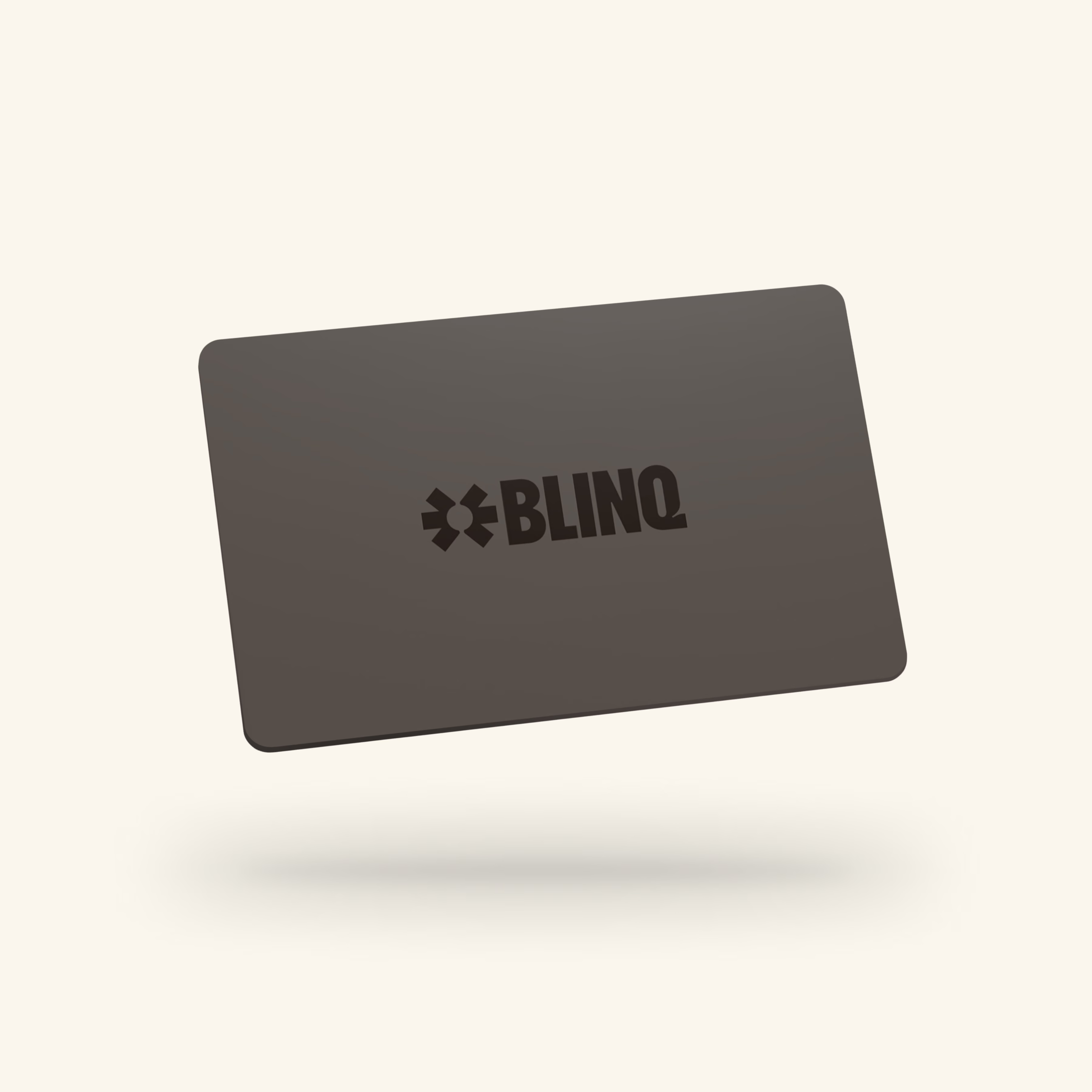
Time for your traditional business card to get a digital upgrade? Elevate every interaction with your Blinq NFC Custom Card.
1.
Choose an NFC business card that matches your style!
2.
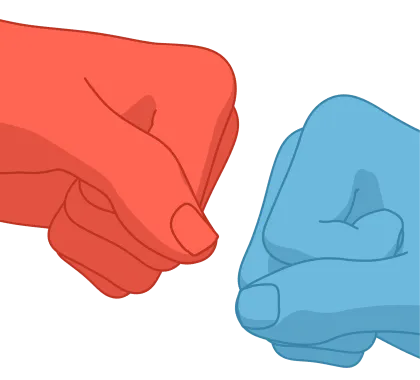
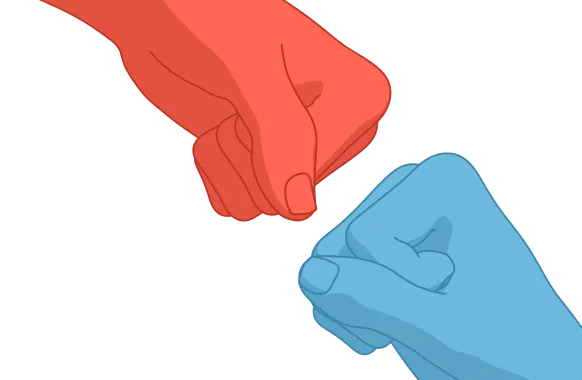
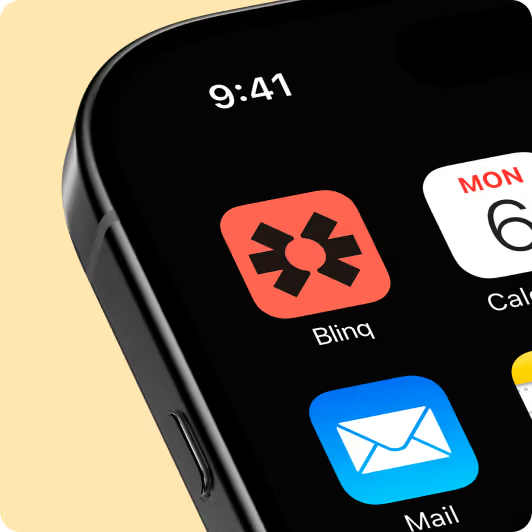
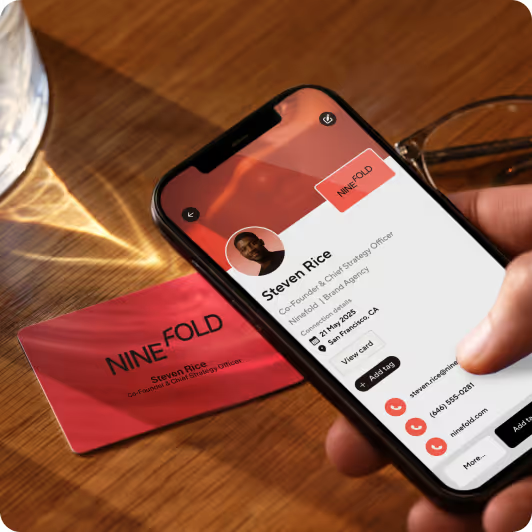
Tap or scan the card and follow the simple instruction to get set up.
3.
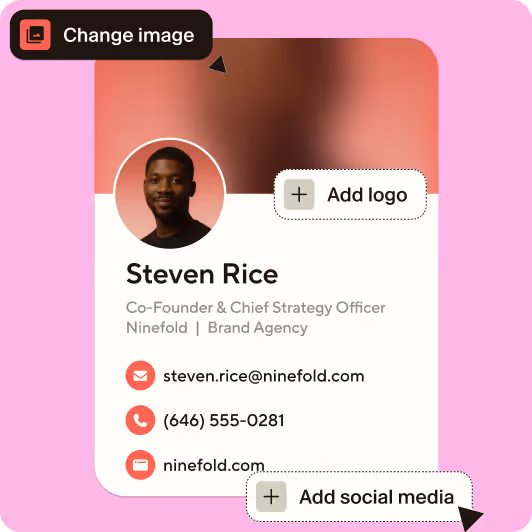
Add your details, logo, links to build your digital business card.
4.
Tap or scan to share your profile instantly and save new contacts with ease.
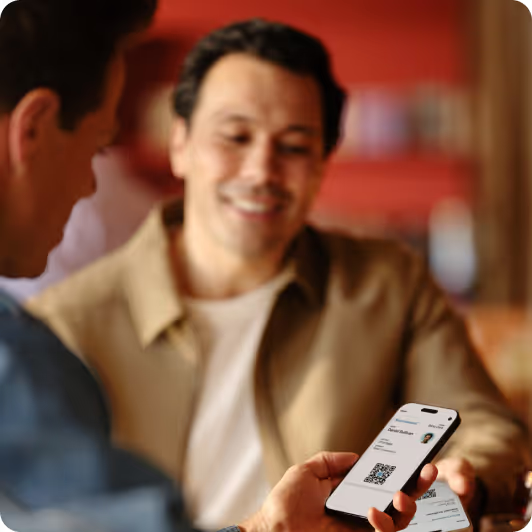
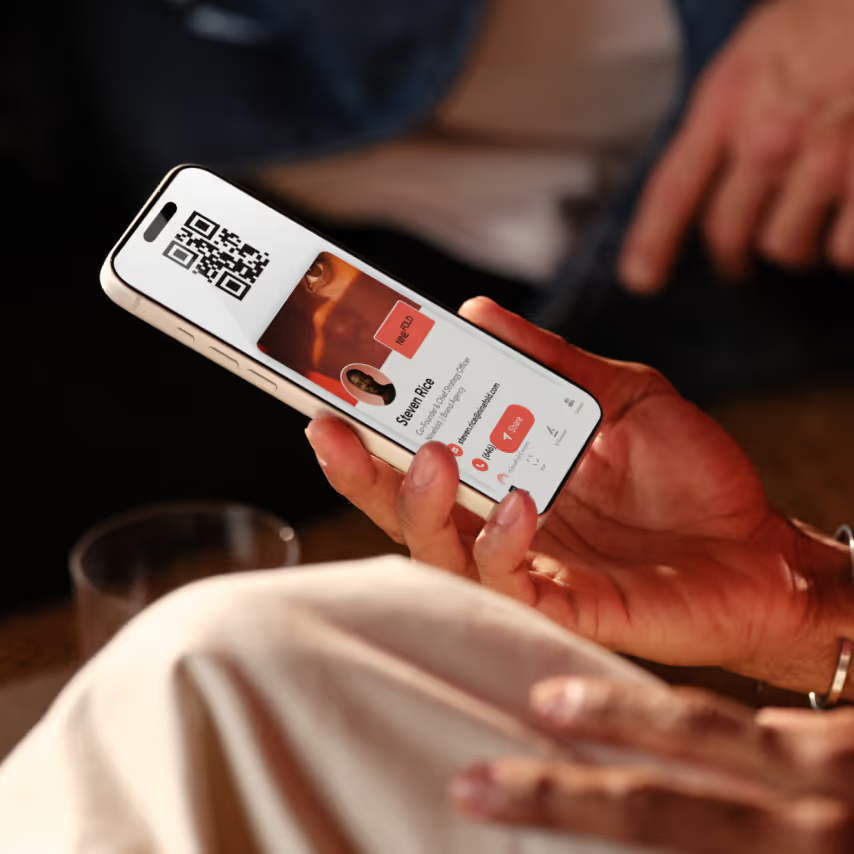
One platform for unlimited sharing. Access free Blinq profiles and digital business cards you can share for life.

Skip fumbling important information and connect with one confident tap of your NFC accessory.
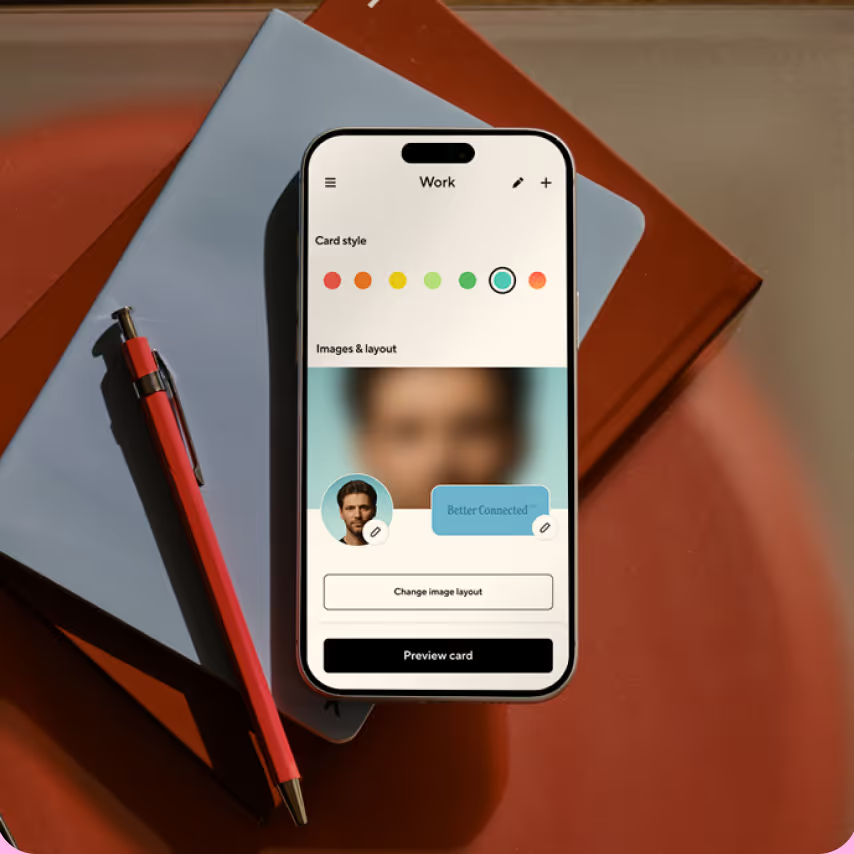
Easily update your profile any time from the Blinq app, designed to be easy to use for even the least tech-savvy person to use.
NFC stands for Near Field Communication. It is the wireless technology embedded in every Blinq NFC card or accessory that enables contactless data transfer when tapped against a compatible smartphone.
Simply tap your Blinq NFC accessory against the back of someone's smartphone, iOS or Android. Alternatively, you can scan the QR code on the accessory. A notification will appear on their screen with a link to your Blinq profile. They can then view all your details, save your contact information directly to their phone, and connect with you on social media. There is nothing to download or install on their end.
No. The recipient does not need the Blinq app or any other app. When you tap your NFC accessory to their phone, your Blinq profile opens directly in their mobile browser. It is completely seamless for both parties.
No. You can purchase and use Blinq NFC accessories without any subscription. Your accessory works out of the box with two free Blinq profiles. However, many customers choose to upgrade to a paid subscription to unlock additional features such as a branded QR code with your logo, multiple digital business card profiles and personalization, advanced analytics, and CRM integrations.
Your Blinq profile is fully customizable. You can include your name, job title, company name, phone numbers, email addresses, website URLs, social media links (LinkedIn, Instagram, Facebook, TikTok, X, YouTube, and more), payment links (Venmo, PayPal, CashApp), file downloads, calendar booking links, and any other custom URL. You can update this information at any time without needing a new accessory.
Yes. One of the biggest advantages of a Blinq NFC accessory is that you can edit your contact information, social links, and profile details anytime from your Blinq dashboard. Your physical accessory never needs to be replaced because all the data lives in your digital profile.
Blinq NFC accessories are not limited to any single industry. Anyone who shares contact details can benefit. That said, we see especially strong adoption among real estate professionals, sales teams, retailers, freelancers, influencers, small business owners, nonprofit fundraisers, consultants, event organizers, and corporate teams who want a modern, professional impression.
Yes. Blinq NFC accessories work with iPhone 11 and all newer models, which have the required NFC chip built in. The NFC antenna is located on the back of the phone near the camera. Simply hold your Blinq accessory there for a moment and the notification will appear. For older iPhone models (iPhone XS and below), accessories also feature a QR code that can be scanned using the standard camera app.
Yes. Blinq NFC accessories are compatible with virtually all Android phones that support NFC (which includes the vast majority of modern Android devices that support Google Pay). Tap the accessory against the center back of the phone. If NFC is not enabled, the recipient can scan the QR code instead.
No. The NFC chip in a Blinq accessory does not interfere with wireless charging, MagSafe, or any other phone function. You can carry it in your wallet or phone case without any concerns.
Yes. If you are ordering 20 or more, we apply bulk discount pricing. We also offer a business dashboard that lets you manage all accessories across your team, reassign them when employees leave, and maintain consistent branding. Contact our team at support@blinq.me for a custom quote tailored to your order size.
Yes. You can link multiple Blinq NFC accessories to the same Blinq profile. This is useful if you want backups or accessories placed in different locations (e.g., one in your wallet, one on your desk).
Yes. If you purchase multiple accessories, each one can be assigned to a separate Blinq profile. This is helpful if you want separate profiles for personal and professional networking, or if you are ordering for a team.
No. Your Blinq NFC accessory comes ready to use right out of the box. After purchasing, you will receive setup instructions via email. Simply tap your accessory to your phone or scan the QR code to get started, with no app download required to set it up.
Your profile stays active and accessible as long as you maintain your Blinq account. You can update, edit, or change your information at any time. There are no ongoing fees required to keep a basic profile active.
Paid subscribers have access to analytics that show profile views, taps, saves, and other engagement metrics. This data helps you understand networking ROI and track which events or interactions drive the most connections.
First, ensure NFC is enabled on the phone you are tapping. For iPhone, NFC is always on for iPhone 11 and newer. For Android, check Settings > Connections > NFC and make sure it is toggled on. If the tap still does not work, try removing any thick phone cases or magnetic accessories. If the issue persists, try the QR code. If neither method works, contact our support team for troubleshooting.
You can reach our support team through the Blinq website at blinq.me or through the Help Center at support.blinq.me. We typically respond within 1 to 2 business days.
Yes. Blinq offers a dedicated Business and Teams plan that includes bulk ordering with volume discounts, a centralized admin dashboard to manage all accessories across your organization, the ability to reassign accessories when team members change roles or leave, consistent brand enforcement across all employee accessories, and CRM integrations to sync new contacts directly to your sales pipeline.
Be a professional optimist with Blinq. Get started for free and grow your network.

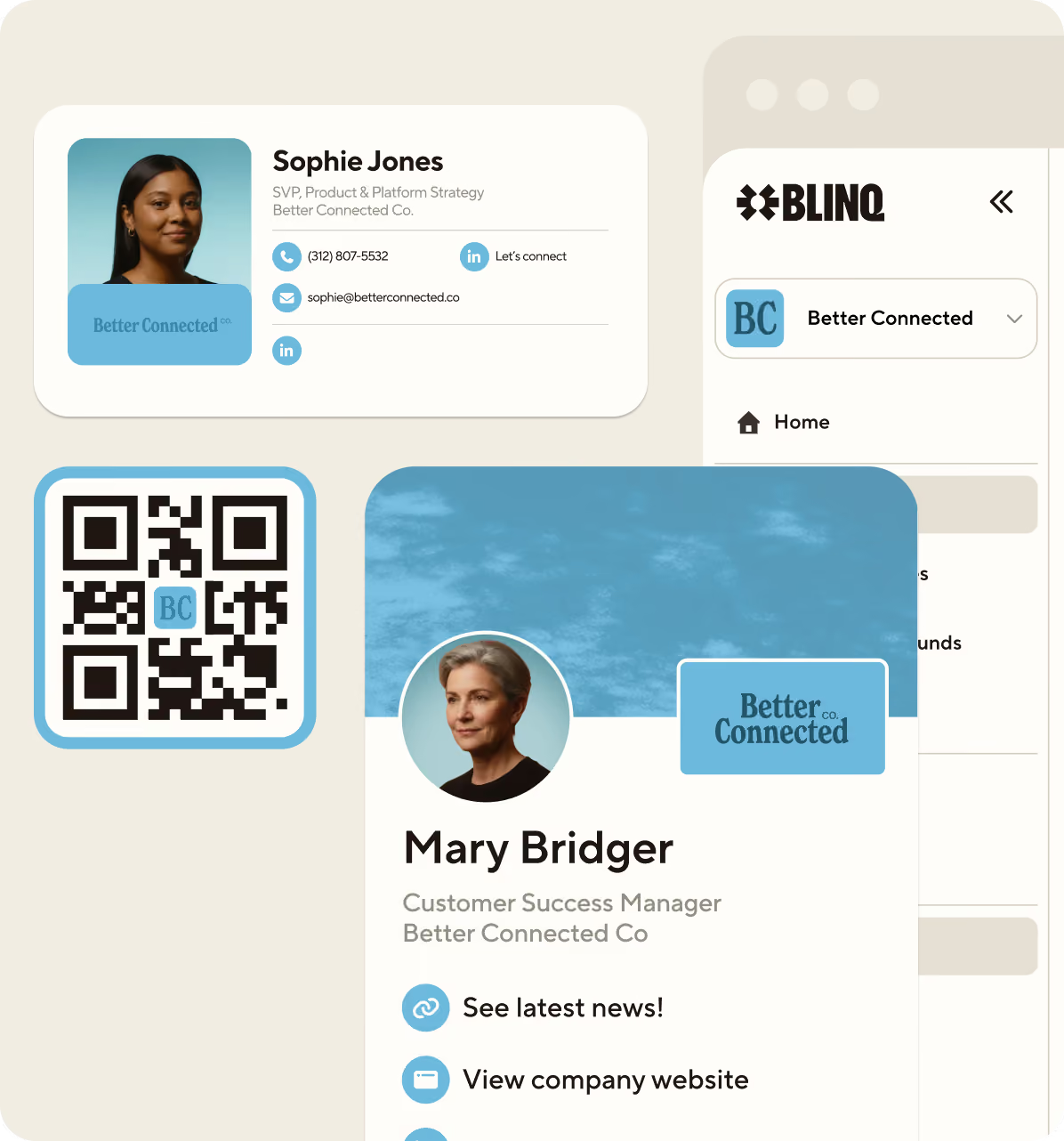
.avif)